Launch Webchat Lead Capture in 30 Days for SMBs
Launch Webchat Lead Capture in 30 Days for SMBs
The fastest way to capture and qualify website leads is an AI-enabled conversational webchat that helps the visitor first, then asks for contact details and routes qualified leads straight into your CRM. Done well, this approach captures more leads than a static contact form, filters out poor-fit visitors before your team wastes time on them, and gets sales follow-up moving in minutes instead of days. For local and mid-sized businesses, that combination is often the single biggest lever on a website.
TL;DR:
- Automated qualification questions and behavioral signals improve lead filtering and ensure the most promising prospects are prioritized.
- Integration with CRM or webhook systems is essential for attaching full conversation context and speeding up follow-up.
- Using proactive triggers based on page timing or visitor behavior boosts engagement and increases the likelihood of capturing qualified leads.
- Choosing an all-in-one platform reduces manual work by consolidating messaging, reviews, and payments into a single inbox.
- Regular KPI tracking and incremental adjustments during the first month help maintain or improve lead conversion and follow-up response times.
Table of Contents
- How webchat lead capture works: the visitor-to-qualified-lead flow
- Feature checklist: what to evaluate when choosing webchat lead-capture
- Implementation steps for small and mid-sized businesses
- Routing and CRM integration: mapping conversation context to action
- Measurement and KPIs: what to track and how to interpret results
- Publisher perspective and evidence: Brown Bag Consultants’ approach and results
- Quick selection checklist and 30-day launch playbook
- What webchat lead capture is and the core benefit
- Pricing models and total costs involved in implementing webchat lead capture solutions
- Estimated timeline for deploying and optimizing webchat lead capture in a business environment
- Integrated platform or lightweight widget: which fits your business?
- Brown Bag Consultants: how our integrated solution meets the checklist
- Sources
- FAQ
How webchat lead capture works: the visitor-to-qualified-lead flow
Webchat lead capture is a sequence, not a single event. A widget appears on the page, either waiting for a click or opening with a proactive invite triggered by scroll depth, time on page, or exit intent. From there, the conversation follows a pattern that most effective tools share.
- The chat opens with a helpful question or offer tied to the page content, not an immediate contact form.
- The visitor responds, and the bot or agent answers their actual question first.
- Once value has been delivered, the chat introduces a short structured form or a staged series of questions (name, need, timeline, budget range).
- Answers, along with behavioral signals like pages viewed or time spent, feed a qualification score.
- The lead, along with the full conversation transcript, gets pushed to a CRM or inbox for routing.
That order matters. Asking for an email address before answering a question tends to end conversations early, while a “help first, then ask” sequence keeps visitors engaged long enough to share details. Each captured lead should carry its originating conversation, so whoever follows up sees exactly what the visitor asked about instead of a bare name and phone number.
Feature checklist: what to evaluate when choosing webchat lead-capture
Not every chat widget captures leads the same way. Some collect free-text messages that a human has to parse later; others use structured, in-chat forms that produce clean, CRM-ready fields. When comparing tools, check for the following.
- In-chat structured forms: fields collected conversationally but stored as discrete data, not paragraphs of free text.
- AI triage and qualification: automatic scoring based on answers and behavior, so hot leads surface first.
- Trigger rules: control over when and to whom the chat opens, based on page, time, or visitor source.
- CRM and webhook integrations: direct sync or export options so leads land where your team actually works.
- Multi-channel handoff: the ability to move a conversation from chat to SMS or email without losing context.
- Privacy handling: clear consent language and data storage practices for the information collected.
Pro Tip: Ask any vendor to show you a real exported lead record, not just a demo screenshot. You want to see how much context actually survives the handoff.
A WordPress lead-capture plugin is a useful reference point here: it includes a floating widget, a local leads dashboard, email notifications, source tracking, spam protection, and CSV export, all self-hosted. That’s a reasonable baseline for what any modern tool should offer at minimum.
Implementation steps for small and mid-sized businesses
Rolling out webchat lead capture does not require a development team, but it does require a plan. A rushed setup with vague questions and no routing rules produces noisy leads nobody follows up on.
- Pick a deployment model: a plugin for a single CMS, a standalone SaaS widget, or a webchat module built into your CRM.
- Write three to five qualification questions that match how your sales team actually screens leads, and decide when in the conversation each one appears.
- Set timing rules so the form or questions surface after a helpful response, not on chat open.
- Launch on your highest-traffic landing pages first, then test simple variations, such as a different opening message or a shorter question set.
- Define routing rules and a response service-level agreement, such as a callback within 15 minutes during business hours, so speed matches the lead’s momentum.
The plugin-versus-widget-versus-integrated-CRM choice matters more than it looks. A plugin is cheap and fast to install but often leaves routing as a manual export task. A dedicated CRM-integrated webchat handles that step automatically.
Routing and CRM integration: mapping conversation context to action
A qualified lead is only as useful as the context that travels with it. A name and phone number with no record of what the visitor asked about forces your team to start the conversation over, which slows response time and often loses the lead entirely.
- Direct CRM create: the chat tool pushes a new contact record and attaches the full transcript automatically.
- Webhook plus middleware: conversation data passes through a connector like Zapier or Make into whatever system your business already runs.
- CSV export: a manual but workable option for smaller volumes or simpler plugin-based setups.
- Essential fields: name, contact method, stated need, urgency or timeline, source page, and a link back to the full conversation.
- Notification rules: instant alerts to the right rep or team, with a defined response window rather than an open-ended “someone will follow up.”
Integration patterns for connecting chat data to CRM workflows, including funnel tracking and lead-to-customer mapping, are covered in more technical depth in guides on CRM system integration.
Measurement and KPIs: what to track and how to interpret results
Four numbers tell you whether a webchat is working: chat-to-lead conversion rate, qualified-lead rate, time-to-first-contact, and close rate on chat-sourced leads. Track them weekly at first, then monthly once the setup stabilizes.
Set a baseline before changing anything. Run your current prompts and timing for two to three weeks, record the numbers, then test one variable at a time, such as a shorter question set or an earlier proactive invite.
If chat-to-lead conversion is strong but qualified-lead rate is low, the questions are wrong, not the widget. If both are healthy but close rate lags, the problem is follow-up speed, not capture.
A low response threshold matters because delayed contact tends to depress conversion, a pattern documented in case studies on AI-driven chat and inbound lead volume, which point to faster follow-up as a consistent driver of better outcomes.
Publisher perspective and evidence: Brown Bag Consultants’ approach and results
Brown Bag Consultants builds webchat lead capture into a broader CRM and messaging platform, so a captured lead lands in the same unified inbox as SMS, email, Facebook, and Google Business Profile conversations, with review requests and payment collection running alongside it. That integration removes the export-and-reroute step that standalone widgets often leave to the business owner.
A webchat conversation that shows up in the same inbox as your text messages and reviews is easier to act on than one sitting in a separate dashboard you have to remember to check.
Local business clients using the platform have reported faster response times and improved lead conversion after adoption, consistent with the broader pattern that speed and context drive follow-up quality.
— Kentarian
Quick selection checklist and 30-day launch playbook
Before committing to a tool, confirm it has an in-chat form (not just free text), real CRM routing, adjustable trigger rules, and usable reporting. Anything missing one of those four becomes manual work later.
- Week 1: select the deployment model and write qualification questions.
- Week 2: configure triggers, forms, and routing rules, then test internally.
- Week 3: launch on top landing pages and monitor daily.
- Week 4: review KPIs, adjust timing or questions, and set the ongoing reporting cadence.
| Red flag | Why it matters |
|---|---|
| No conversation context attached to leads | Follow-up starts from zero every time |
| Export-only, no CRM sync | Manual routing delays response |
| Fixed trigger timing | Can’t adapt to page or visitor behavior |
| No reporting dashboard | Can’t tell quality problems from quantity problems |
What webchat lead capture is and the core benefit
Webchat lead capture is the practice of using a website chat widget, often powered by AI, to hold a conversation with a visitor and collect their contact and qualification details before a human ever gets involved. The core benefit is doing both jobs at once: capturing the lead and qualifying it in the same interaction, instead of treating those as two separate steps.
A static contact form only captures. It has no way to ask a follow-up question, adjust based on what the visitor says, or filter out someone who is clearly not a fit. A conversational chat can ask “what’s your timeline” and branch based on the answer, which means the lead that lands in your inbox already carries useful context.
This matters most for businesses where speed and fit determine whether a lead turns into a customer, home services, local retail, restaurants, and other appointment or quote-driven businesses. A visitor who gets a helpful answer at 9 p.m. and leaves their number is a warmer lead than one who filled out a generic form and heard nothing back for two days.
Pricing models and total costs involved in implementing webchat lead capture solutions
Webchat lead capture tools generally follow one of three pricing structures: a one-time or low-cost plugin fee for self-hosted options, a monthly SaaS subscription for a standalone chat widget, or a bundled fee as part of a broader CRM and messaging platform. Self-hosted plugins on platforms like WordPress tend to have the lowest sticker price but shift more of the routing and maintenance work onto your team.
Standalone SaaS chat tools typically charge based on chat volume, number of seats, or feature tier, and many require a separate CRM subscription to handle routing, which means the real cost includes two tools, not one. An integrated platform folds webchat into a single monthly subscription alongside messaging, reviews, and payments, which can reduce the total number of tools a small business has to manage and pay for separately.
Brown Bag Consultants prices its platform at $197 per month for the Essentials plan and $297 per month for the Professional plan, with webchat included as part of the broader messaging and CRM toolkit rather than billed as a separate line item.
Whatever route you choose, budget for setup time in addition to the subscription or license cost. Even a well-designed plugin needs someone to write the qualification questions and configure routing, and that labor, whether it’s a few hours or a contracted setup fee, is part of the real total cost.

Estimated timeline for deploying and optimizing webchat lead capture in a business environment
A basic webchat widget can go live on a website within a day or two: install the plugin or embed the script, set a default greeting, and turn it on. Getting it to actually qualify and route leads well takes longer, typically two to four weeks of setup and early testing.
The first week covers installation and writing the qualification questions and trigger rules. The second week is internal testing, checking that leads land in the right place with full conversation context attached. Weeks three and four involve a live launch on real traffic, watching the core KPIs, and adjusting timing or question order based on what the data shows.

Ongoing optimization does not really stop. Seasonal traffic changes, new landing pages, and shifts in what visitors ask about all mean the questions and triggers that worked in January may need adjusting by summer. Businesses that treat the first month as a baseline, then revisit prompts and routing quarterly, tend to keep conversion rates from drifting down as the novelty of a new chat widget wears off.
Integrated platform or lightweight widget: which fits your business?
An integrated platform pays off once you’re already juggling messaging, reviews, and payments separately, since one inbox and one routing system beats three. A standalone plugin or widget makes more sense for a single-site business with simple needs and a tight budget. Decide based on how much manual reconciling you’re willing to do, not on which tool looks more advanced.
Brown Bag Consultants: how our integrated solution meets the checklist
Brown Bag Consultants brings webchat into the same platform as your unified inbox, review requests, and payment collection, so a captured lead does not sit in a separate dashboard waiting to be noticed.
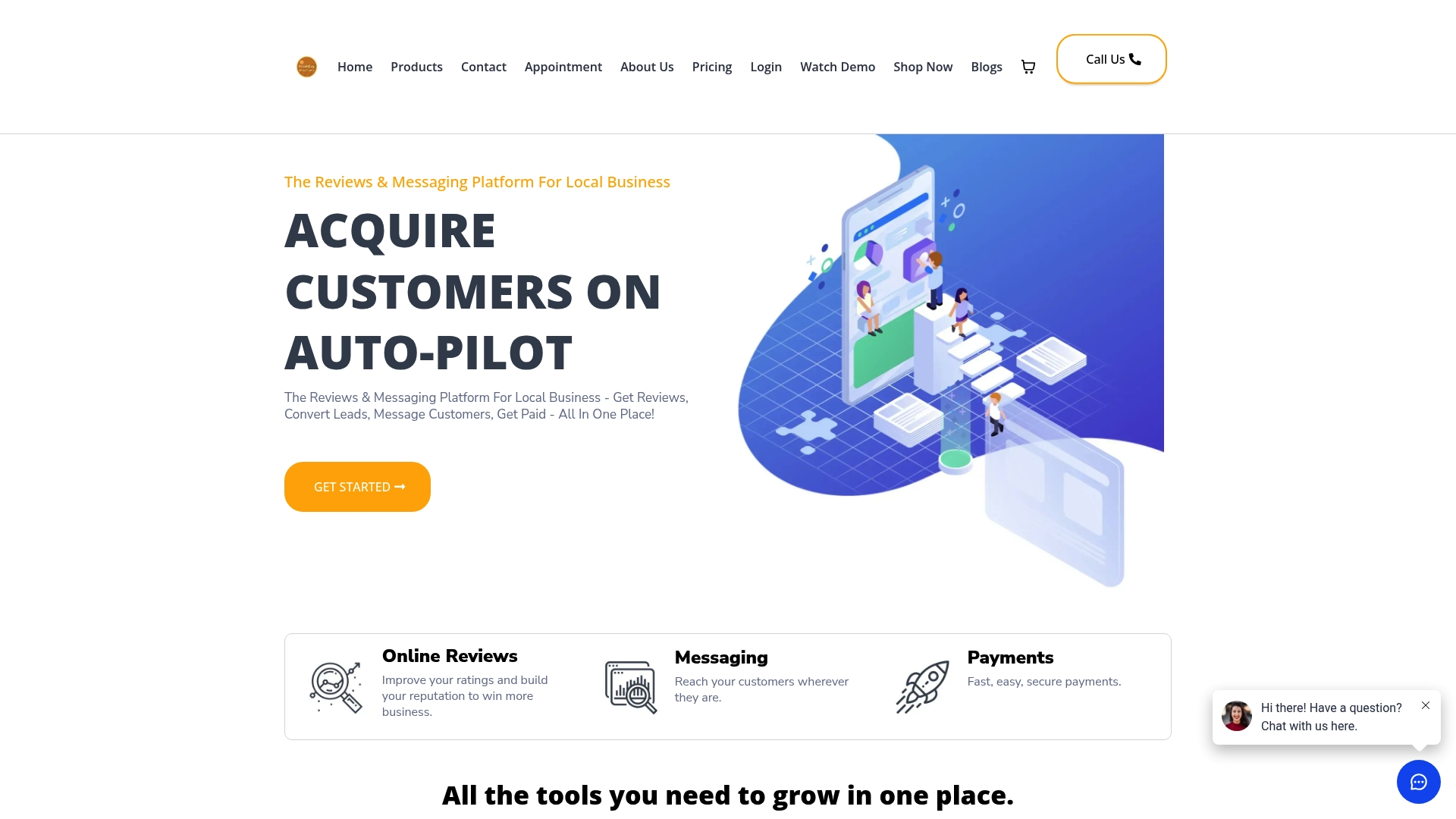
- In-chat qualification questions route directly into the CRM with full conversation context attached.
- One inbox handles webchat, SMS, email, and social messages, so nothing gets missed between tools.
- Review requests and payment collection run alongside lead capture instead of requiring separate subscriptions.
Plans start with Essentials and scale up to Professional. Compare features and see current pricing to find the plan that fits your team size.
Sources
For routing and follow-up automation, see the omnichannel messaging guide and lead nurture automation resources.
- Lead Capture Chat – WordPress plugin
FAQ
What is the best lead capture tool?
The best tool depends on whether you need a low-cost, self-hosted option or an integrated system with CRM routing built in. A WordPress plugin with a floating widget and CSV export works for simple sites, while businesses managing messaging, reviews, and payments together often prefer a bundled platform.
How does webchat work?
A webchat widget sits on your website and opens either when a visitor clicks it or when a trigger like time on page or scroll depth fires a proactive invite. It answers questions, then asks for contact details through a structured form before routing the conversation to your team.
How does lead capture work?
Lead capture collects a visitor’s contact information along with context about their need, then delivers that record to wherever your sales team works, whether that’s a CRM, an inbox, or an exported spreadsheet. Effective lead capture links the contact details to the original conversation so follow-up starts with context instead of a blank slate.
Which chatbots are best for lead generation?
The strongest lead-generation chatbots combine AI-driven qualification with structured, in-chat forms rather than relying on free-text replies alone. Look for triage scoring based on visitor answers and behavior, plus direct CRM or webhook integration so qualified leads reach your team without manual exporting.
How long does it take to set up webchat lead capture?
A basic widget can go live within a day or two, but building out qualification questions, trigger rules, and CRM routing typically takes two to four weeks of setup and testing. Ongoing optimization, adjusting prompts and timing based on results, continues well past the initial launch.