Stop Missed Leads Without an App: SMS for Contractors
Stop Missed Leads Without an App: SMS for Contractors
Use an integrated SMS-enabled CRM that logs every message to the project record. It’s the fastest way to stop missed messages and book more jobs. Centralized texting gives you one searchable history instead of scattered personal phones, speeds up lead response, and cuts no-shows through automatic reminders. Brown Bag Consultants is a practical, ready option built for exactly this kind of setup.
TL;DR:
- Using an integrated SMS-enabled CRM ensures all messages are logged directly to project records, reducing missed messages and improving response times.
- Contractors should differentiate between transactional and marketing messages to comply with consent laws and avoid legal risks, especially for promotional texts.
- Essential features include shared inboxes, MMS with photo support, role-based group messaging, automation, and searchable message history to streamline operations.
- Costs depend on volume and number type, with bundled CRM and messaging plans typically offering the best value for small to medium-sized contracting businesses.
- Centralizing messaging with dedicated platforms like Brown Bag Consultants improves lead follow-up, review collection, and payment collection while simplifying compliance and team collaboration.
Table of Contents
- Common contractor SMS use cases: crew, clients, suppliers, and operations
- Features contractors must have in an SMS solution
- Compliance essentials: TCPA, DNC, consent, and honoring opt-outs
- Pricing and how to estimate your monthly SMS costs
- Step-by-step setup: from number choice to templates and automations
- Client evidence and real outcomes from an integrated CRM + SMS approach
- Author perspective: mistakes to avoid and quick wins
- How Brown Bag Consultants addresses these needs
- Sources
- FAQ
Common contractor SMS use cases: crew, clients, suppliers, and operations
Contractors use text messaging for three distinct audiences, and mixing them up is where most workflows break down. Crew coordination needs speed and group reach. Client communication needs a professional tone and consistent timing. Supplier and operational messages need reliability more than personality.
On the crew side, dispatch texts tell a team where to be and what to bring, and group messages handle schedule changes without a chain of individual calls. A foreman can text “job moved to 8 AM, bring the trencher” to five people at once instead of five separate conversations.
Client-facing texts carry more weight because they represent your business. Appointment reminders and ETA windows cut down on wasted trips. Estimate follow-ups nudge a lead who went quiet. Review requests sent right after a completed job catch customers while the work is still fresh in their mind.
Operational messages round out the picture: supplier order confirmations, permit or inspection alerts, and text-to-pay links that let a client settle an invoice from their phone instead of writing a check.
- Crew dispatch: group texts for schedule changes, job site addresses, and equipment needs.
- Client updates: appointment reminders, ETA windows, and estimate follow-ups.
- Review requests: short texts sent shortly after job completion, while satisfaction is highest.
- Supplier and permit alerts: delivery confirmations and inspection scheduling.
- Payment links: text-to-pay messages for invoices tied to a specific project.
The distinction between transactional and marketing messages matters more than it looks. A reminder about an already-scheduled appointment is transactional. A text inviting a past client to book a spring maintenance service is marketing, and it carries different consent requirements, which the compliance section below covers in detail. Treating every message as transactional because it’s convenient is a common mistake that creates real legal exposure.
Features contractors must have in an SMS solution
Most contractors don’t need a marketing platform. They need a communication system that fits how a construction business actually runs: mobile, fast-moving, and short on patience for extra software. A handful of features separate a tool that gets used from one that gets abandoned after two weeks.
Two-way messaging with a shared inbox is the baseline. Your office manager should be able to see the same conversation thread as the field supervisor, with messages tied directly to the relevant project so nobody has to ask “what job was this about?”
Photo support matters more in construction than almost any other industry. MMS lets a crew member send a picture of a cracked pipe or a finished tile job straight into the project file, no separate app, no email attachment.

Group messaging with role tags keeps a foreman from accidentally texting a client instead of a sub. Mobile access should work through plain SMS on the recipient’s end, so subcontractors and clients never have to download anything.
Automation is where the real time savings show up: missed-call text back so a ringing phone that goes unanswered still gets a reply, appointment reminders that fire automatically, and review requests triggered once a job status changes. Integrations through Zapier or webhooks let these automations talk to scheduling tools and payment systems without manual re-entry.
- Two-way shared inbox with messages linked to the correct project or client record.
- MMS and photo attachments so job site images land directly in the file.
- Group messaging and role tags to keep crew, client, and supplier threads separate.
- Automations for missed-call text back, reminders, and review requests.
- Searchable, exportable history for warranty disputes or payment disagreements.
Pro Tip: Before choosing a platform, test whether a customer or sub can reply using plain SMS with no app download. If the answer is no, adoption will stall in the field.
Searchable history isn’t a nice extra. When a client disputes a completion date or a change order, being able to pull up the exact text thread with timestamps settles the argument in minutes instead of days.
Compliance essentials: TCPA, DNC, consent, and honoring opt-outs
Texting customers without understanding consent rules is one of the fastest ways to turn a marketing win into a legal problem. The FCC’s Second Report and Order confirms that National Do-Not-Call Registry protections extend to text messages and requires prior express written consent for marketing robotexts, along with one-to-one consent and clear, conspicuous disclosure at the point of signup.
One in one out doesn’t apply here: consent must be one-to-one. A follow-up FCC order strengthens a consumer’s right to revoke that consent and requires businesses to honor opt-out and do-not-call requests within a reasonable time, capped at 10 business days.
The underlying statute is the Telephone Consumer Protection Act, codified at 47 U.S.C. § 227, which is the legal basis for consent requirements on autodialed calls and texts. If you use any automated sending tool, this statute applies to you regardless of business size.
A practical compliance checklist looks like this:
- Collect consent at signup, whether through a form, a signed estimate, or a checked box, and store proof of how and when it was given.
- Tag every contact with a consent source and consent date so marketing lists can be filtered separately from transactional contacts.
- Include a clear opt-out instruction (such as “reply STOP to unsubscribe”) in marketing texts.
- Honor opt-out requests immediately and no later than the 10-business-day window described above.
Transactional messages, like an appointment reminder for a scheduled job or a text-to-pay link for an existing invoice, carry lower consent burdens than marketing texts promoting a new service or seasonal discount. Keep the two message types on separate lists. The FTC’s CAN-SPAM guidance governs email rather than SMS, but its principle of honoring opt-outs quickly is a useful parallel for any commercial messaging program.
Pricing and how to estimate your monthly SMS costs
Contractors typically choose between three pricing structures: pay-as-you-go, flat subscription, and committed-volume plans. Pay-as-you-go suits low-volume senders who text occasionally. Subscription plans bundle messaging with CRM and automation features, which fits most contracting businesses better than piecing together separate tools. Committed-volume plans lower the per-message rate for businesses sending thousands of texts monthly.
Twilio’s published U.S. pricing lists example rates starting around $0.0083 per outbound message for long codes, with carrier and number lease fees added on top. Number type affects both cost and throughput: long codes are generally lower cost but limited in speed, toll-free numbers allow higher volume with added verification steps, and short codes tend to cost more but support the highest send rates, typically used for large-scale sends.
A sample calculation for a small contractor sending 2,000 outbound messages a month:
- Base messaging cost at roughly $0.0083 per message totals about $16.60 for the month.
- Add a monthly number lease fee, typically a few dollars depending on number type.
- Factor in carrier surcharges, which can add 10 to 30 percent on top of list price at low volumes.
For most contracting businesses, a subscription that bundles messaging with CRM functions ends up simpler to budget than assembling a pay-as-you-go stack from scratch.
Step-by-step setup: from number choice to templates and automations
Getting SMS running reliably doesn’t take a large IT project, but skipping steps causes headaches later. Follow this sequence.
- Choose your number type. Match throughput needs to number type: a long code works for most contractors under a few hundred messages a day, while higher volume may call for a toll-free number.
- Import contacts with consent tags. Bring in your client list and tag each contact with a consent source and consent date, separating transactional relationships from anyone who agreed to marketing texts.
- Build and test templates. Draft a reminder message, an estimate follow-up, and a review request, then send test messages to your own phone before rolling them out to clients.
- Set up core automations. Missed-call text back and appointment confirmations are the two highest-value automations to launch first, and both should log directly to the project record in your CRM.
- Train your team and set response rules. Give office staff and field crew a shared expectation, such as replying to client texts within one business hour, with a clear escalation path when a message needs a supervisor.
Pro Tip: Launch with just two automations, missed-call text back and appointment reminders, measure the drop in no-shows for 30 days, then add more.
Response time expectations matter as much as the technology. A crew that ignores a client text for two days will undo the benefit of even the best platform, so build the SLA into training from day one, not as an afterthought.
Client evidence and real outcomes from an integrated CRM + SMS approach
Brown Bag Consultants combines messaging, review management, and payment collection into a single platform built for local businesses, which removes the need to juggle a texting app, a review tool, and a separate invoicing system. Users have reported improved lead conversion and business growth after adopting the integrated approach, which lines up with the broader pattern in this guide: consolidating communication into one searchable record produces better follow-through than scattered tools.
For contractors specifically, that consolidation shows up in practical automations:
- Missed-call text back replies automatically when a job site call goes unanswered, turning a lost lead into an open conversation.
- Zapier automations connect SMS workflows to scheduling and payment tools without manual data entry.
- Lead nurture sequences follow up on estimates automatically instead of relying on someone remembering to call back.
- Review requests paired with text-to-pay let a contractor close out a job, collect payment, and request a review in one thread.
Author perspective: mistakes to avoid and quick wins
The biggest mistake contractors make is running client communication through a personal cell phone. Once an employee leaves, that history walks out the door with them. Centralize messaging from day one, even before you’ve built out every automation.
Start with one or two low-friction wins, missed-call text back and appointment reminders, and measure the actual drop in no-shows before adding complexity. Keep messages short and specific: a time, an address, an action. And keep consent records even when it feels unnecessary. The contractor who can produce a consent log during a dispute is in a very different position from one who can’t.
— Kentarian
How Brown Bag Consultants addresses these needs
Everything covered above, centralized threads, missed-call text back, review requests, text-to-pay, comes bundled into one platform rather than four separate subscriptions. For a contracting business juggling job sites and a phone that never stops ringing, that consolidation is the practical difference: one login, one contact record, one place to see whether a client replied.
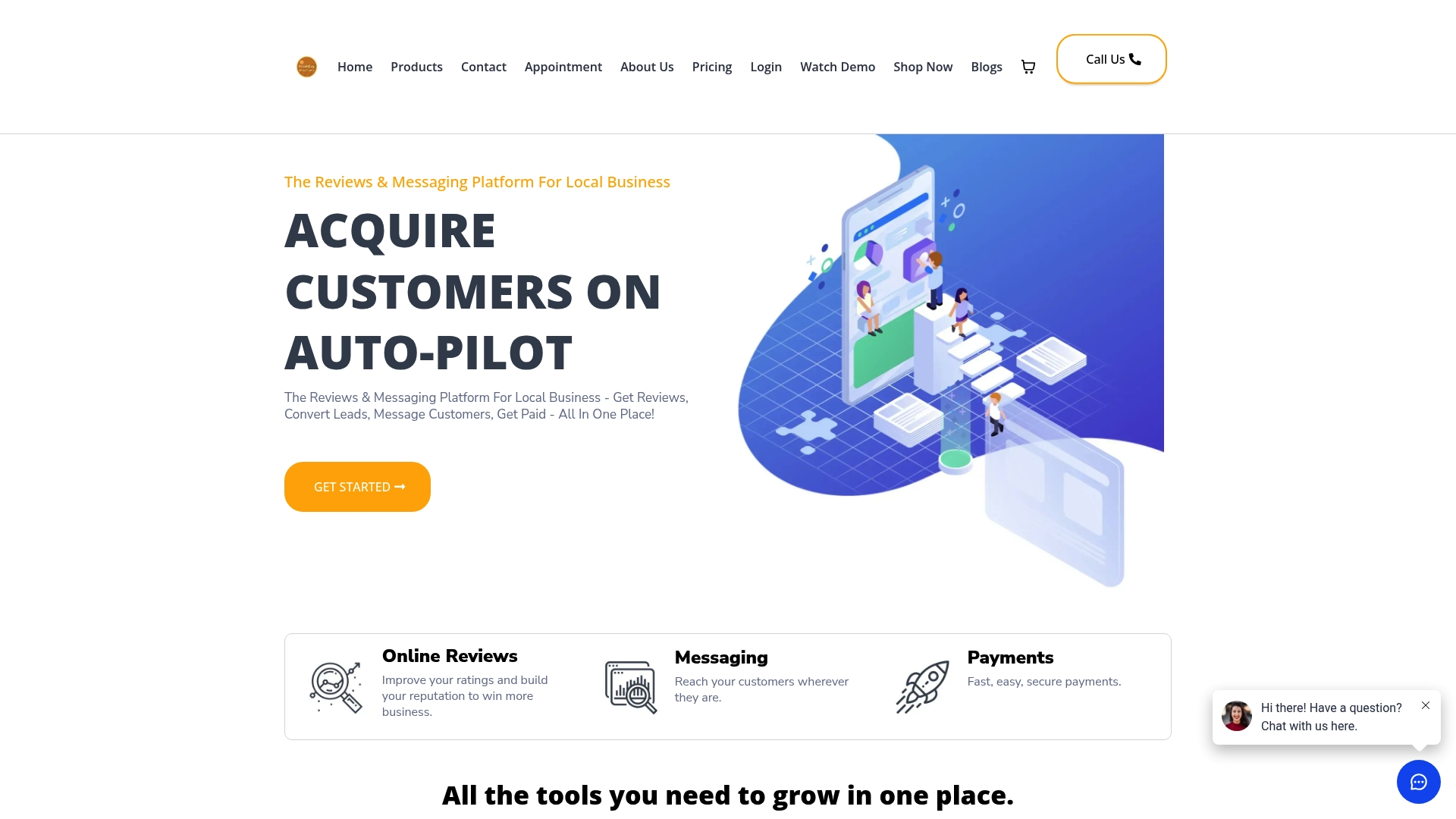
- Messaging plus CRM in one place: texts, calls, and job history live on the same contact record.
- Automated review and payment requests: send a review link or a text-to-pay invoice the moment a job wraps.
- Zapier support: connect existing scheduling or accounting tools without custom development.
Plans start with Essentials at $197 per month, with Professional at $297 per month for businesses needing more advanced automation. Check the pricing page for full feature breakdowns, or review the payment features if text-to-pay is your priority.
Sources
Consent rules cited above come from the FCC’s Second Report and Order, the related revocation order, and the statutory text at 47 U.S.C. § 227. Pricing examples reference Twilio’s U.S. rates, and email-marketing parallels draw on the FTC’s CAN-SPAM guidance. For a broader automation framework, see this marketing automation checklist.
- DA-24-910A1.txt
- SMS Pricing in United States for Text Messaging | Twilio
- CAN‑SPAM Act compliance guide for businesses | FTC
- 47 U.S.C. § 227 (TCPA) | Cornell Law School
FAQ
How much does a bulk SMS cost?
Bulk SMS pricing depends on volume and number type, with Twilio’s example U.S. rates starting around $0.0083 per outbound message for long codes before carrier and number fees. Carrier surcharges can add 10 to 30 percent on top of list price at lower volumes, so a small contractor’s actual monthly cost usually lands somewhat higher than the base rate suggests.
Is B2B texting legal?
Yes, business-to-business texting is legal, but marketing texts still require prior express written consent under the FCC’s rules, and the underlying TCPA statute applies to any automated sending tool. Transactional messages, like appointment reminders for existing clients, carry lighter consent requirements than promotional texts.
How much does an SMS service cost?
Costs vary by model: pay-as-you-go platforms charge per message using rates like those Twilio publishes, while bundled CRM platforms charge a flat monthly subscription that includes messaging along with other features. Brown Bag Consultants offers Essentials at $197 per month and Professional at $297 per month, both including SMS as part of the broader platform.
What is the company SMS?
Company SMS refers to text messaging used by a business for client communication, appointment reminders, crew coordination, or marketing, rather than personal texting between individuals. It’s typically sent through a dedicated business number or platform so messages stay logged and searchable rather than living on a single employee’s phone.