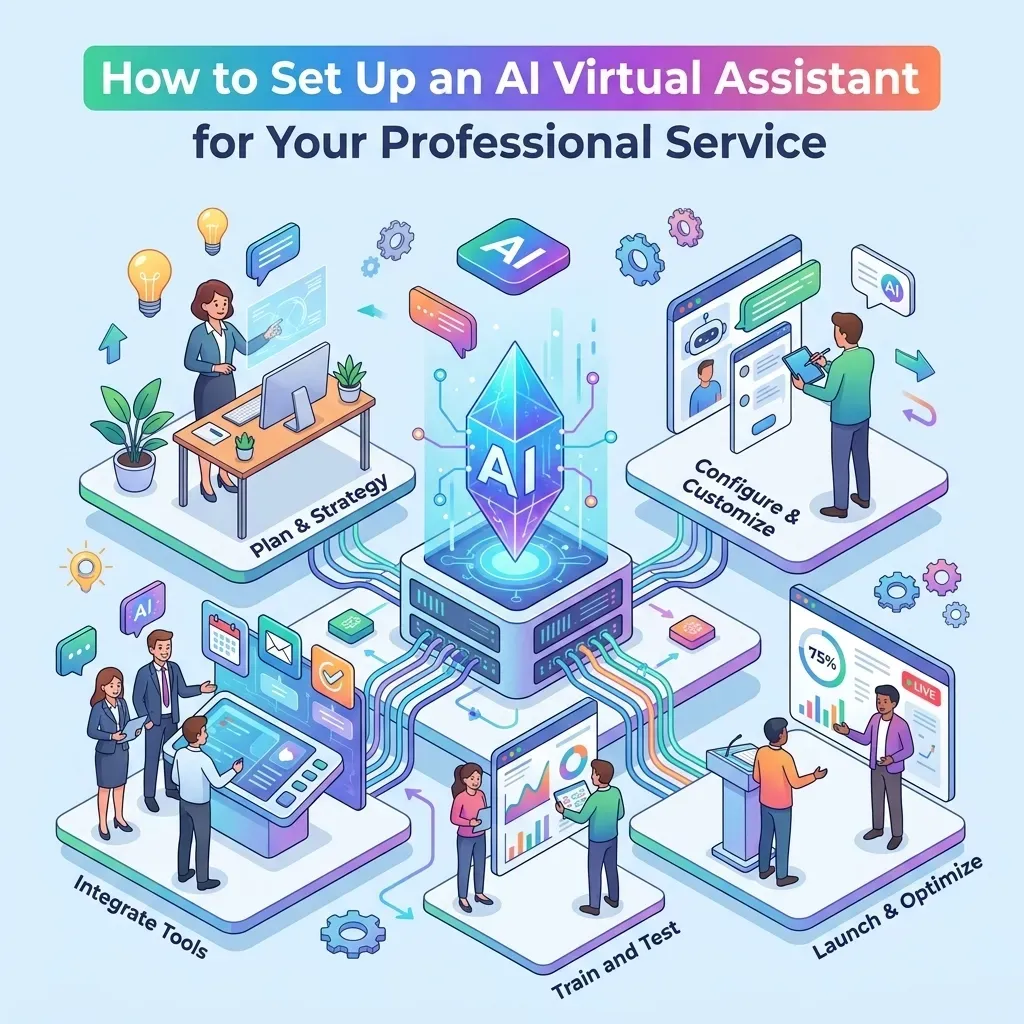
How to Set Up an AI Virtual Assistant for Your Professional Service
How to Set Up an AI Virtual Assistant for Your Professional Service
![[HERO] How to Set Up an AI Virtual Assistant for Your Professional Service](https://cdn.marblism.com/9I4SH01_gHO.webp "[HERO] How to Set Up an AI Virtual Assistant for Your Professional Service")
Let’s be real for a second: as a business owner, your phone is probably your best friend and your worst enemy. Every time it rings, it’s a potential paycheck. But every time you’re stuck on a call, you’re not actually doing the work that pays the bills. If you’re a lawyer, a consultant, or a contractor, you know the drill. You can’t be in two places at once, and hiring a full-time receptionist feels like a massive overhead you’re not ready to take on.
That’s where the AI Virtual Assistant comes in. We’re not talking about those annoying bots from 2012 that just looped you in circles. We’re talking about smart, efficient systems that can handle your leads, book your appointments, and even take payments while you’re busy actually running your business.
At BrownBag Consultants, we’re all about efficiency. We want you to work smarter, not harder. Setting up an AI assistant might sound like something out of a sci-fi movie, but it’s actually simpler than you think. Here is your step-by-step guide to getting your business on autopilot.
Step 1: Define the "Job Description" for Your AI
Before you touch a single piece of software, you need to decide what you want this bot to do. Just like a human employee, an AI needs a clear scope of work. In the world of professional services, you’re usually looking for help in three main areas:
Lead Capture: Grabbing info from people who are just "browsing."
Scheduling: Syncing with your calendar to book consultations.
Customer Support: Answering those "What are your hours?" or "Where are you located?" questions.
If you’re trying to use AI chatbots for customer acquisition, your focus should be on the front-end experience. You want the bot to be the first point of contact that makes a lead feel seen and heard immediately.

Step 2: Implement the "Missed Call Text-Back"
This is the low-hanging fruit of the automation world. If you do nothing else after reading this post, do this.
We’ve all been there: a potential client calls, you’re in a meeting (or under a sink, or in court), and you can’t pick up. By the time you call them back twenty minutes later, they’ve already called your competitor. You lost the lead because you weren't fast enough.
A missed call text-back system automatically sends a text to the caller the second you miss the call. It says something like, "Hey! This is Kentarian from BrownBag Consultants. Sorry I missed your call, how can I help you?"
This simple text stops the lead from calling the next person on the Google search list. It opens a 24/7 channel of communication without you having to lift a finger. Most AI platforms, including the ones we recommend at Social Scale System, have this built-in. It’s a total game-changer for professional services.
Step 3: Choose Your Platform
You don’t need to be a coder to set this up. There are plenty of "low-code" or "no-code" platforms out there that do the heavy lifting for you. When we look at software at BrownBag Consultants, we look for three things: integration, ease of use, and reliability.
For professional services, you want a platform that connects your website, your Facebook DMs, and your Google Business profile into one place. This is often called a Unified Inbox. Instead of checking five different apps, your AI assistant lives in one spot and handles the traffic from everywhere.
If you’re curious about how much this costs to get running, check out our pricing page to see how we bundle these tools for local businesses.
Step 4: Build the "Brain" (Your Knowledge Base)
Your AI is only as smart as the info you give it. This is the part where you upload your FAQs, your service list, and your pricing.
Most modern AI assistants use a "Knowledge Base" approach. You can literally copy and paste your website text or upload a PDF of your service menu, and the AI "reads" it. The next time a customer asks, "Do you offer business credit funding advice?" the AI pulls the answer directly from your documents.
Pro-Tip: Don’t just give it the facts. Give it your brand tone. If you want to sound casual and friendly (like we do), tell the AI to use contractions and keep the jargon to a minimum. If you need to sound strictly professional and authoritative, you can set that too.

Step 5: Design the Conversation Flow
Think about the "Perfect Customer Journey." When someone hits your site, what happens?
The Hook: "Hey! Need help raising your credit score to 700? I can help with that."
The Qualification: "Are you looking for personal or business credit support?"
The Close: "Great! Let’s get you on the calendar for a quick chat."
By designing these flows, you’re ensuring that the AI isn't just chatting: it’s converting. This is how you use AI chatbots for customer acquisition effectively. You lead the horse to water, and the AI makes sure they take a sip.
Step 6: Connect to Your Calendar and Payments
An AI that just talks is a hobby; an AI that books and bills is a business.
You need to integrate your assistant with tools like Google Calendar, Outlook, or Calendly. When a lead is ready to book, the AI should present them with your actual available slots. No more "Does Tuesday at 2 PM work for you?" back-and-forth emails.
If you’re a service provider who requires a deposit or a consultation fee, you can even set up a Text-to-Pay link right in the chat. The AI says, "To lock in your spot, here’s a secure link for the $50 consultation fee." The customer pays on their phone, the appointment is booked, and you just get a notification that you have a new client and money in the bank.
If you want to see how this works in real-time, you can always grab a free demo from our team.
Step 7: Test, Tweak, and Launch
Don't just "set it and forget it" on day one. Before you go live, have your friends or employees try to "break" the bot. Ask it weird questions. See how it handles typos.
Once it’s live, keep an eye on the transcripts. You’ll quickly see where people get confused or where the AI needs more information. The beauty of AI is that it learns. Every interaction makes the "brain" a little bit sharper.

Why Doing This Now Matters
The world is moving fast. In 2026, customers don't want to wait for a callback. They don't want to leave a voicemail that might get checked in three days. They want answers now.
By setting up an AI Virtual Assistant, you aren't just saving yourself time; you're providing a better experience for your clients. You're showing them that you are professional, tech-savvy, and available whenever they need you.
Whether you're looking to fix credit fast for your clients or provide high-level consulting, the "human" part of your business should be the actual service you provide: not the administrative headache of trying to schedule it.
Ready to Get Started?
If you're feeling overwhelmed by the tech, don't sweat it. That’s literally why we exist. At BrownBag Consultants, we specialize in taking the "baggage" out of your business software. We can help you set up the missed call text-back, build your AI knowledge base, and get your unified inbox running so you can get back to being the CEO.
Ready to stop chasing leads and start closing them? Schedule a call with us and let's get your professional service on auto-pilot. Or, if you want to learn more about who we are first, check out our About Us page.
Your business is too important to be stuck behind a ringing phone. Let the AI handle the noise so you can handle the work.