Get Contact Form Leads to SMS in Seconds, with U.S. 10DLC and Opt in Copy
Get Contact Form Leads to SMS in Seconds, with U.S. 10DLC and Opt in Copy
The fastest reliable route is a plugin or webhook connected to a registered SMS gateway, so form replies land on your phone within seconds. If you send text messages to U.S. numbers, you need a registered 10DLC campaign and clear consent language on your form, or carriers may filter your messages. The step-by-step setup below covers WordPress, Elementor, and plain HTML forms.
TL;DR:
- Register your 10DLC campaign and include clear opt-in language with disclosures on your form to prevent message filtering or non-delivery.
- Use a CMS plugin for quick setup if you have a simple contact form, or an integration platform for multiple lead sources, and opt for a direct gateway API only if you have technical resources.
- Confirm your 10DLC campaign is fully approved and your contact information is accurate before testing SMS delivery to catch filtering or formatting errors early.
- Choosing a managed platform simplifies compliance logging, consent management, and follow-up, reducing setup time and avoiding common registration pitfalls.
Table of Contents
- Choosing between a plugin, an integration platform, or a direct gateway
- Setting up SMS alerts on WordPress, Elementor, and custom HTML forms
- SMS gateway basics and the 10DLC rules that affect delivery
- Writing opt-in language and message copy that meets carrier rules
- Testing and fixing SMS delivery problems
- Why an integrated messaging platform simplifies compliance recordkeeping
- What actually matters once you set this up
- A turnkey option to route leads to SMS without building it yourself
- Where to find official rules and plugin documentation
- Sources
- FAQ
Choosing between a plugin, an integration platform, or a direct gateway
The right method depends on how much control you want and how comfortable you are with technical setup. A CMS plugin is the fastest path for most small business owners because it handles the gateway connection inside your existing dashboard. An integration platform like Zapier or Make gives you more flexibility to route form data to multiple destinations, useful if you also want the lead added to a spreadsheet or CRM. A direct SMS gateway API offers the most control but requires someone comfortable writing or maintaining code.
- CMS plugin: quickest setup, limited customization, best for non-technical owners.
- Integration platform: moderate setup time, connects forms to many apps at once, good for multi-step workflows.
- Direct gateway API: full control over message logic, but requires developer time to build and maintain.
- Managed CRM and messaging platform: handles the SMS routing, consent logging, and follow-up in one subscription, trading a monthly fee for less setup work.
Small businesses running a single WordPress site usually start with a plugin. Anyone juggling multiple lead sources, like a contact form, a booking widget, and a Facebook ad, tends to outgrow that setup fast and moves toward an integration platform or a managed system.
Setting up SMS alerts on WordPress, Elementor, and custom HTML forms
For a standard WordPress site, install an SMS plugin such as WP SMS, which connects your form plugin to a gateway account and documents the setup on its plugin page. Configure your sender ID or gateway credentials, then map your contact form fields (name, phone, message) to the SMS template.
- Install and activate the plugin, then enter your gateway API key under its settings tab.
- Connect it to your form plugin (Contact Form 7, WPForms, or Gravity Forms) using the plugin’s built-in integration option.
- Map form fields to the outgoing SMS template, keeping the message under 160 characters where possible.
- Send a test submission and confirm the SMS arrives with the correct phone number and message body.
If you use Elementor Pro, the Forms widget supports a webhook action instead of a plugin-specific gateway. Point the webhook at your SMS provider’s API endpoint or an integration platform, and send a JSON payload containing the submitter’s name, phone number, and message. For a generic HTML form with no page builder, set the form to POST to a server-side script or serverless function that receives the submission, formats it, and forwards it to your SMS gateway’s API using a simple JSON body like {"to": "+15551234567", "message": "New lead: Jane Doe, 555-0101"}.
Always format phone numbers in E.164 (a plus sign, country code, then the number with no spaces or dashes) since most gateways reject anything else.
Pro Tip: Keep your SMS template under 160 characters so it sends as a single message segment instead of splitting into two and doubling your per-message cost.
SMS gateway basics and the 10DLC rules that affect delivery
If you send SMS through a U.S. 10-digit long code, the Federal Communications Commission and carrier ecosystem require you to register your brand and campaign before messages go out reliably. Skipping this step often means your texts get filtered or blocked entirely rather than delivered late.
- Brand registration verifies your business identity with the registry.
- Campaign registration describes what kind of messages you send and requires sample message text.
- Carriers review both before approving your traffic for delivery.
- Registration typically involves an initial brand and campaign cost plus ongoing monthly campaign fees, though exact pricing varies by gateway provider.
Businesses that skip 10DLC registration risk message filtering or non-delivery, since the FCC and carrier registries treat unregistered long code traffic as higher risk. Registering before you launch a form-to-SMS workflow avoids a frustrating stretch of missed leads while you troubleshoot silent failures.
Writing opt-in language and message copy that meets carrier rules
Your contact form needs specific elements before carriers will approve your campaign, and before your consent holds up under TCPA rules. Carriers and registries check your opt-in checkbox, message samples, and disclosures during registration, and they will reject vague or incomplete language.
- Include an unchecked opt-in checkbox, never pre-checked.
- Name your messaging program clearly (example: “Acme Plumbing Quote Requests”).
- State message frequency (example: “up to 4 messages per month”).
- Add a “message and data rates may apply” disclosure and a link to your privacy policy.
A sample admin alert might read: “New lead: Jane Doe, 555-0101, requesting a quote for kitchen remodel.” A user confirmation could say: “Thanks for reaching out to Acme Plumbing. We’ll text you back within one business hour. Reply STOP to opt out.”
Pro Tip: Avoid form language like “by submitting you agree to be contacted,” since registries now expect one-to-one consent tied to your specific business rather than a general permission statement.
Testing and fixing SMS delivery problems
Before trusting the system with real leads, submit a test entry using an E.164 formatted number and confirm the message arrives with correct formatting. Run this test both before and after your 10DLC registration completes so you can compare behavior and catch filtering issues early.
- Submit a test form entry and check whether the SMS arrives within a minute.
- Review your gateway’s request and response logs for error codes if nothing arrives.
- Check that the phone number is properly formatted and the campaign is fully registered, not still pending.
- If messages arrive inconsistently, contact your gateway provider with your campaign ID and recent log entries so they can check for carrier-side throttling.
Most delivery failures trace back to bad phone number formatting, an unregistered or pending campaign, or a number that has landed on a carrier’s spam list after too many rapid sends.
Why an integrated messaging platform simplifies compliance recordkeeping
Handling consent, message history, and follow-up across separate tools gets messy fast. An all-in-one CRM and messaging platform like Brown Bag Consultants logs opt-ins automatically alongside the conversation, so you’re not hunting through plugin settings and spreadsheet exports if a carrier or regulator ever asks for records. That same unified inbox also connects to payments and review requests, which matters once your lead volume outgrows a single-purpose plugin.

What actually matters once you set this up
Most guides on this topic focus heavily on picking the “best” plugin, but the plugin choice matters far less than getting your 10DLC registration and consent language right the first time. A perfectly configured webhook is worthless if your campaign gets filtered because your opt-in checkbox was pre-checked or your program description was vague.

The conventional advice treats compliance as an afterthought, something to bolt on after the technical integration works. That order is backward. Carriers reject registrations over consent language constantly, and closing the lead-generator loophole means general “by submitting this form you agree to be contacted” checkboxes no longer hold up. Write your opt-in copy and message samples before you touch a single plugin setting.
If you’re a small business owner with one contact form and no developer on staff, prioritize a plugin or managed platform over a custom webhook. The time you’d spend debugging JSON payloads is better spent getting your registration paperwork right.
— Kentarian
A turnkey option to route leads to SMS without building it yourself
If the setup above sounds like more than you want to manage, some managed platforms fold contact form capture, SMS notifications, consent logging, and review follow-up into one subscription instead of stitching together a plugin, a gateway account, and a spreadsheet.
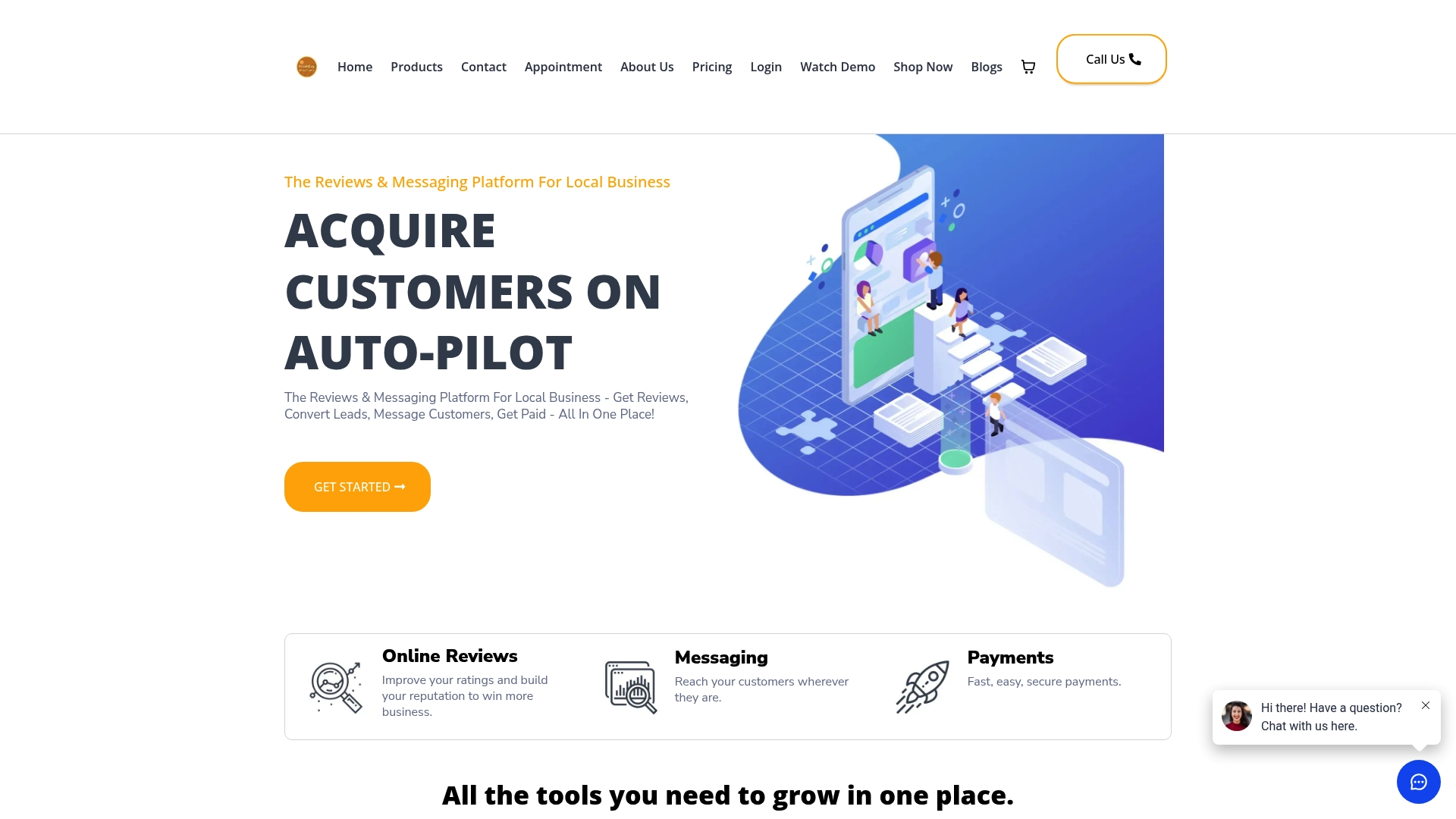
- Leads submitted through your website land in one inbox alongside text, email, webchat, and other messaging channels.
- Consent and message history log automatically, so you’re not tracking opt-ins in a separate file manually.
- Built-in review automation and text-to-pay invoicing run off the same contact record once a lead converts.
Choose the DIY route if you already run one simple form and want full control over the code. Choose a managed platform if you’d rather skip the registration paperwork and get a working system faster. Check the Essentials and Professional plans to see which fits your team size and start with a working setup instead of a weekend of plugin troubleshooting.
Where to find official rules and plugin documentation
- Federal Communications Commission: general guidance on carrier rules affecting text messaging.
- FCC Second Report and Order: consent and blocking rule details.
- WP SMS plugin page: installation and gateway setup docs.
- WordPress technical automation guide: webhook and implementation reference for WordPress sites.
Sources
- Federal Communications Commission (FCC)
- FCC — DA-24-910A1.txt (Second Report and Order summary and rules)
FAQ
Is email-to-SMS discontinued?
Email-to-SMS gateways still exist through some carriers, but delivery has grown unreliable as carriers tighten filtering on unregistered traffic. A registered 10DLC SMS gateway or plugin is a more dependable option for business use today.
What does SMS contact mean?
SMS contact means a business collects a phone number, usually through a web form, and sends text updates or replies instead of relying only on email or phone calls. It typically requires the recipient’s consent under TCPA rules.
How do I convert email to SMS text?
Some carriers offer an email-to-SMS gateway address that forwards a short email as a text message, but formatting and delivery vary widely and are increasingly filtered. A dedicated SMS plugin or gateway API, registered under 10DLC, delivers more consistent results for business notifications.
How do I force a text to send as SMS instead of failing?
Confirm your phone number is correctly formatted and that your 10DLC campaign registration is fully approved, not pending, since unregistered or malformed numbers are the most common cause of failed delivery. If the message still fails, check your gateway’s response logs for a specific error code before contacting support.