Choosing the Best Web to Text Widget for Local Websites
Your website is getting traffic. People are landing on your pages, reading your content, checking your prices, looking at your service areas. And then they leave. No call. No form fill. No contact.
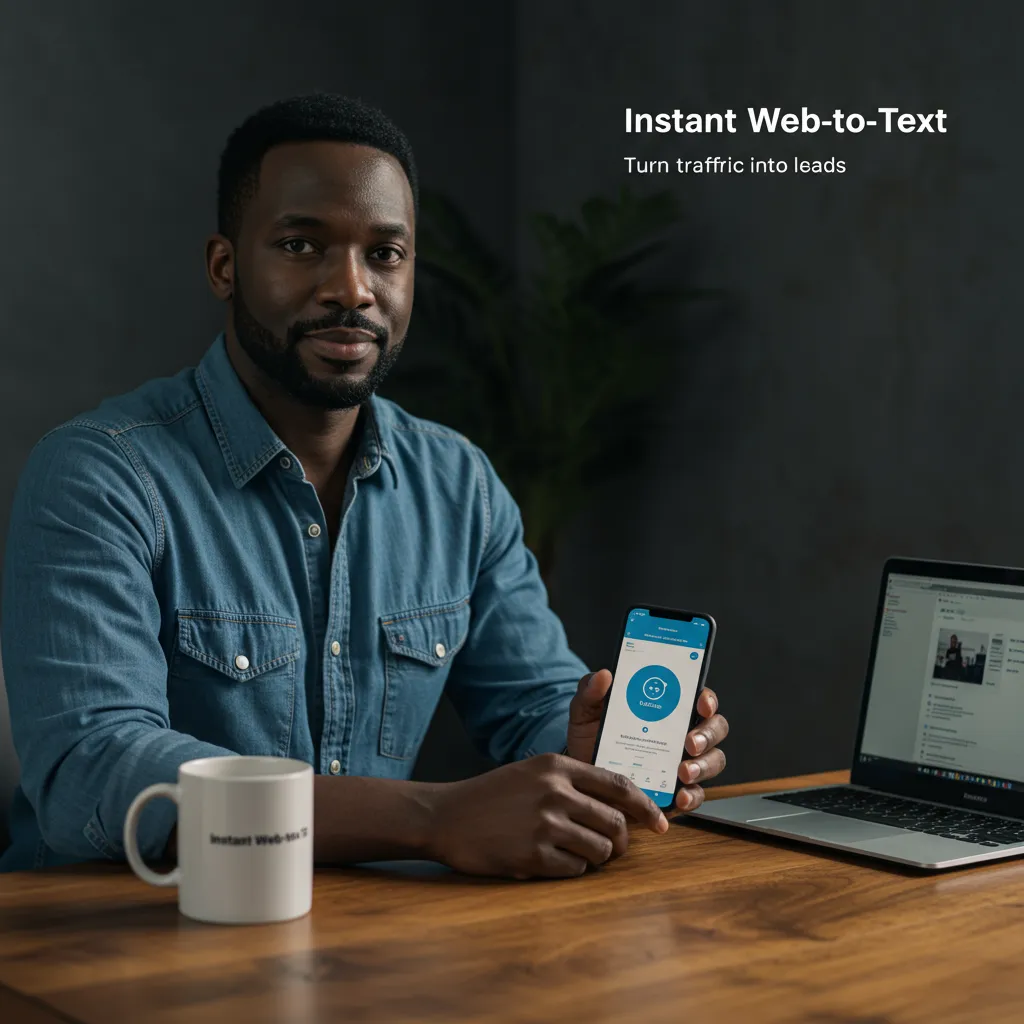
The web-to-text widget is the fix. A small, branded chat bubble or text button on your website that lets visitors start a text conversation with your business — instantly, from their phone or desktop.
This post covers what to look for, how it works, and how to set it up in a way that actually converts browsers into booked jobs.
How to convert website visitors into SMS conversations?
The core insight behind web-to-text conversion is this: phone calls create friction. A significant portion of website visitors — especially younger homeowners — will not call you. They'll check your site, decide you look good, and then close the tab because picking up the phone feels like too much commitment.
Text is different. Text is low-stakes, familiar, and asynchronous. It fits how people communicate in 2026. A button that says 'Text Us Now' removes the friction and lets visitors start a conversation the way they're already comfortable communicating.
Web-to-text widgets work by generating a click-to-text link tied to your business number. On mobile, clicking the button opens the customer's native SMS app pre-loaded with your number and sometimes a pre-written message. On desktop, it opens a web chat interface that routes the conversation to your unified inbox as an SMS.
What features should a web-to-text widget have?
Not all web-to-text tools are built the same. Here's the feature checklist for service businesses:
•Two-way SMS routing — conversations should route to your team's inbox, not disappear into a void
•CRM integration — every conversation should create or update a contact record automatically
•Customizable appearance — the widget should match your brand colors, not look like a generic plugin
•Proactive triggers — pop up after 30 seconds or exit intent to catch visitors before they leave
•Automated first response — so the conversation starts even if your team is occupied
•Mobile-responsive — must work seamlessly on both mobile and desktop
•Conversation history — so your team has context when they pick up the thread
The implementation we use for clients through GoHighLevel checks every one of these boxes and ties directly into the CRM pipeline — so a web text conversation can become a booked appointment without your team manually moving anything.
Where should you place the web-to-text widget on your website?
Placement matters. Here are the highest-converting placement strategies:
Homepage hero section: A 'Text Us For a Free Quote' button next to your phone number in the hero section catches visitors at the highest-intent moment — when they first arrive.
Service pages: Each individual service page (AC Repair, Furnace Installation, Emergency Plumbing, etc.) should have a 'Text About This Service' button that pre-fills a message related to that service. Specificity improves conversion.
Floating bottom corner: A persistent, branded chat/text bubble that follows the visitor as they scroll is the highest-visibility placement. On mobile, this is the primary trigger point.
Contact page: Replace or supplement your generic contact form with a text option. Forms have low completion rates. Text is instant.
How does web-to-text improve lead capture rate?
Industry data shows web-to-text widgets can increase lead capture rate by 30–60% compared to sites that offer only phone and form options. The reason is simple: you're adding a contact option that a meaningful segment of visitors strongly prefers.
For HVAC and plumbing sites in particular, where visitors are often in urgent situations (broken AC, leaking pipe), the immediacy of text is a major advantage. They can text from the job site, from the kitchen while assessing the leak, from anywhere — without needing to find a quiet moment to make a phone call.
The automation layer amplifies this further. When a visitor texts in, they get an instant automated response acknowledging them and asking a qualifying question. This means even if your team is busy, the lead doesn't bounce — they're engaged in a conversation that your team picks up when available.
Frequently Asked Questions
Q: Will a web-to-text widget slow down my website?
A: A properly implemented widget adds minimal load to your site — typically under 50kb of JavaScript. GoHighLevel's widget is optimized for performance and should not affect your PageSpeed score meaningfully.
Q: Can I track which pages are generating the most text conversations?
A: Yes. GoHighLevel's dashboard tracks conversation sources and UTM parameters. You can see exactly which pages and campaigns are driving text conversations, giving you data to optimize your marketing.
Q: What happens to web-to-text conversations when my office is closed?
A: Automation handles it. An after-hours response triggers immediately: 'Thanks for reaching out! We're closed right now but we've got your message. Expect a response by [time] tomorrow.' The conversation is logged in your CRM for morning follow-up.
━━━━━━━━━━━━━━━━━━━━━━━━━━━━━━━━━━━━━━
Ready to Stop Leaving Money on the Table?
You've read the strategy. Now it's time to execute. Brown Bag Consultants works with home service business owners across DFW who are serious about installing systems that generate leads, book appointments, and close jobs — while they sleep.
�� Book a FREE Strategy Call: https://www.thrive-bridge.com/
�� Call or Text: 1-469-273-6185
Tap in or get left behind. Your competition is already automating. The question is — are you?
━━━━━━━━━━━━━━━━━━━━━━━━━━━━━━━━━━━━━━